Day Builder · Beta
Plan your park day. Ride what matters.
Pick a park and a date, start from a ready-made plan, and make it yours. Then open the same plan in the Ride Ready app at the park.
In beta, and free to plan in your browser today, for Universal Orlando and Walt Disney World. No download.
How it works.
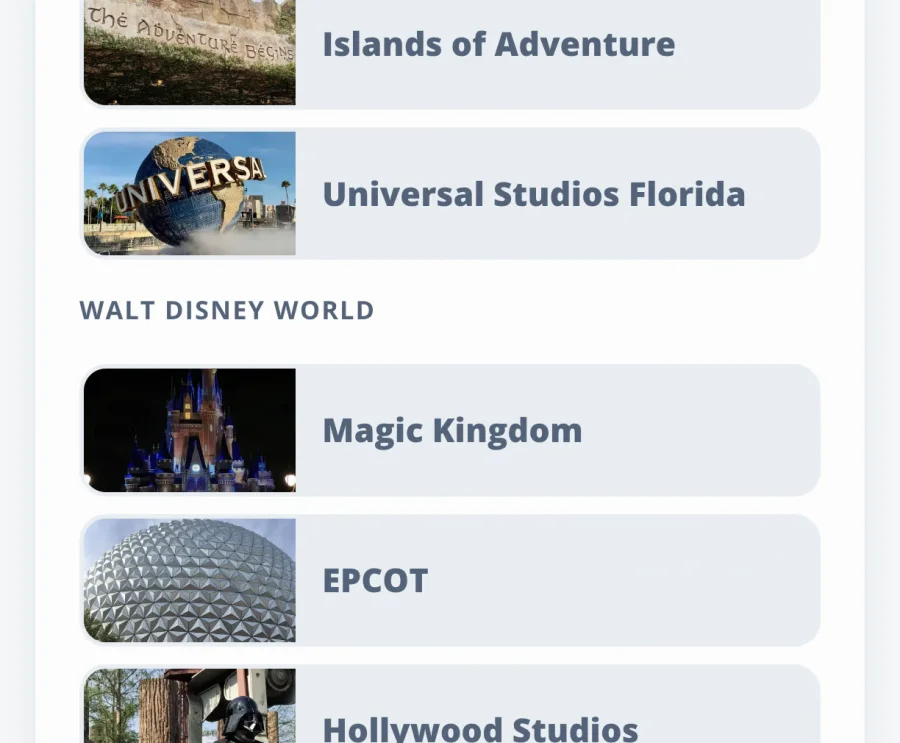
Choose your day.
Pick your park and your date. The day runs on that date's park hours once they're announced.
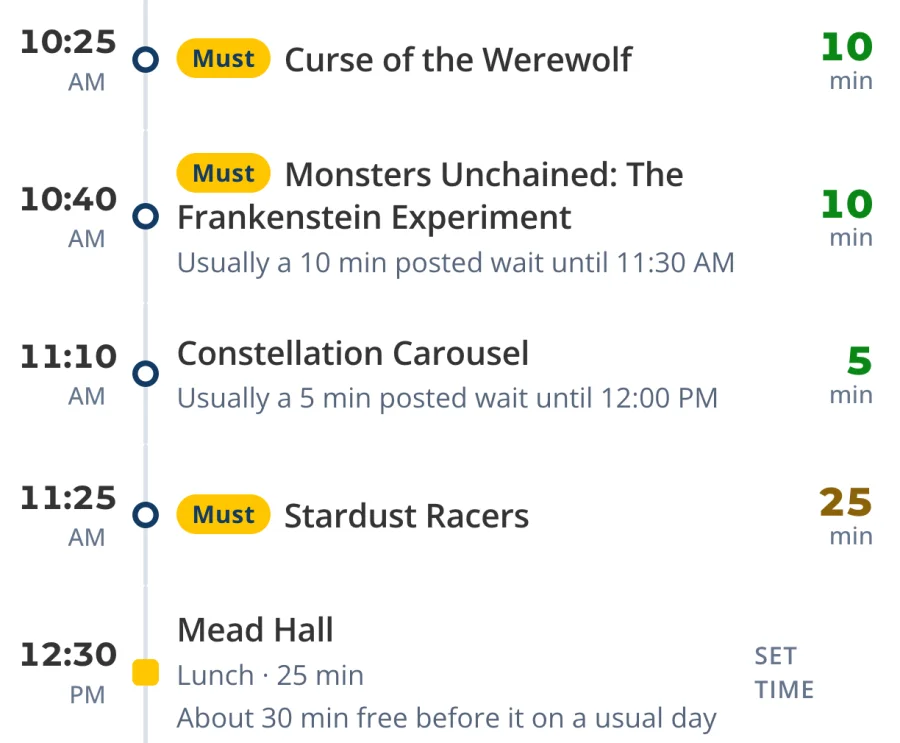
Make the plan yours.
Start from a ready-made plan, then add rides, mark your must-dos, and work in meals, shows and character meets.
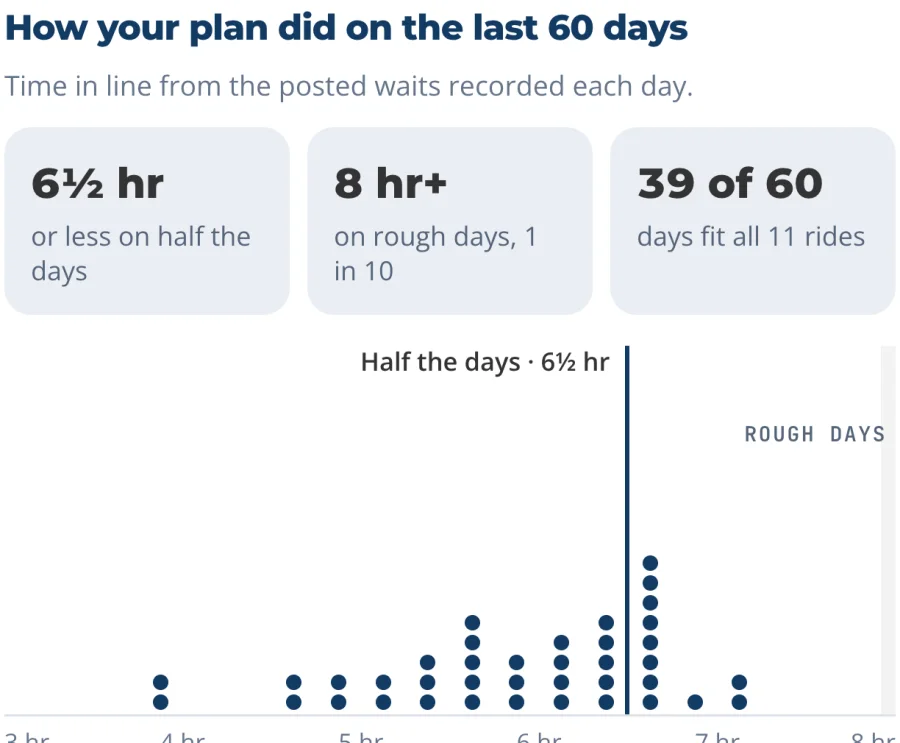
Test it on real days.
Replay your plan on the last 60 days of posted waits and closures, and see how often everything fit.
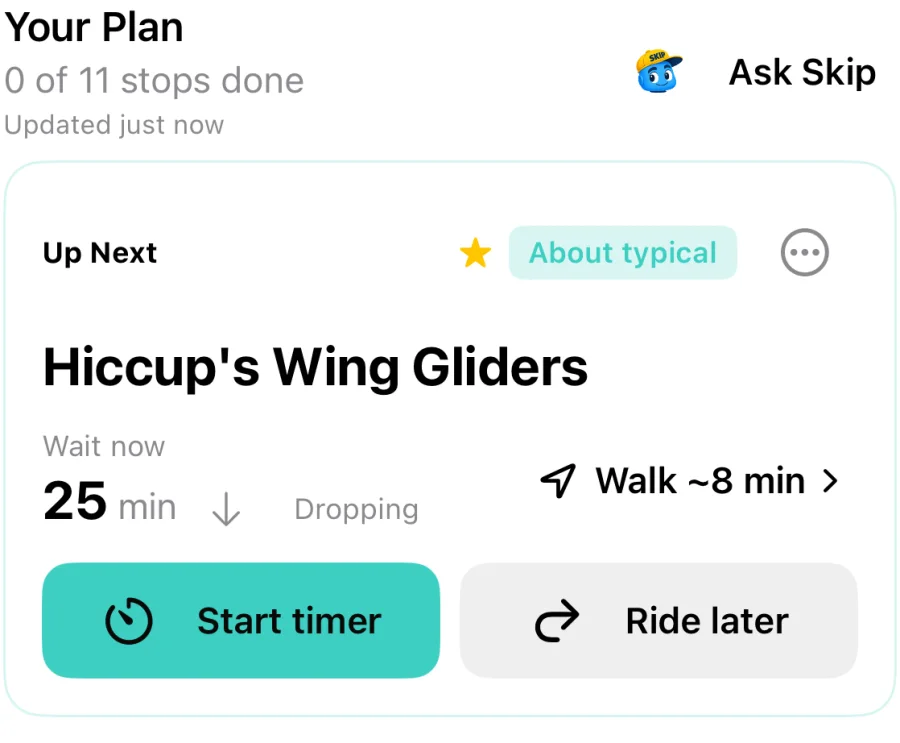
Take it to the park.
Open your trip in the Ride Ready app on iPhone or Android. With Premium, it tells you what's up next as the waits move.
Parks: Epic Universe, Islands of Adventure, Universal Studios Florida, Magic Kingdom, EPCOT, Hollywood Studios and Animal Kingdom. Ready-made plans are First visit, Thrill seekers and Little kids.
Test your plan on real days first.
A plan can look great on paper and fall apart at 11 a.m. when the headliner goes down. So Day Builder checks yours against what actually happened.
A replay walks your plan through one real day's posted waits and ride closures, minute by minute. Each choice only uses what was posted at that moment. When a ride is down, the plan moves on and comes back to it.
Then it does that for each of the last 60 days and tells you how often everything fit. If the answer is "not often," move your must-dos earlier or leave more time, and test again.
Waits are posted waits, and real waits are often shorter. Express, Lightning Lane and return windows aren't timed. Replays need a free account. The full 60 day test is free during the beta and will be a Premium feature after it.
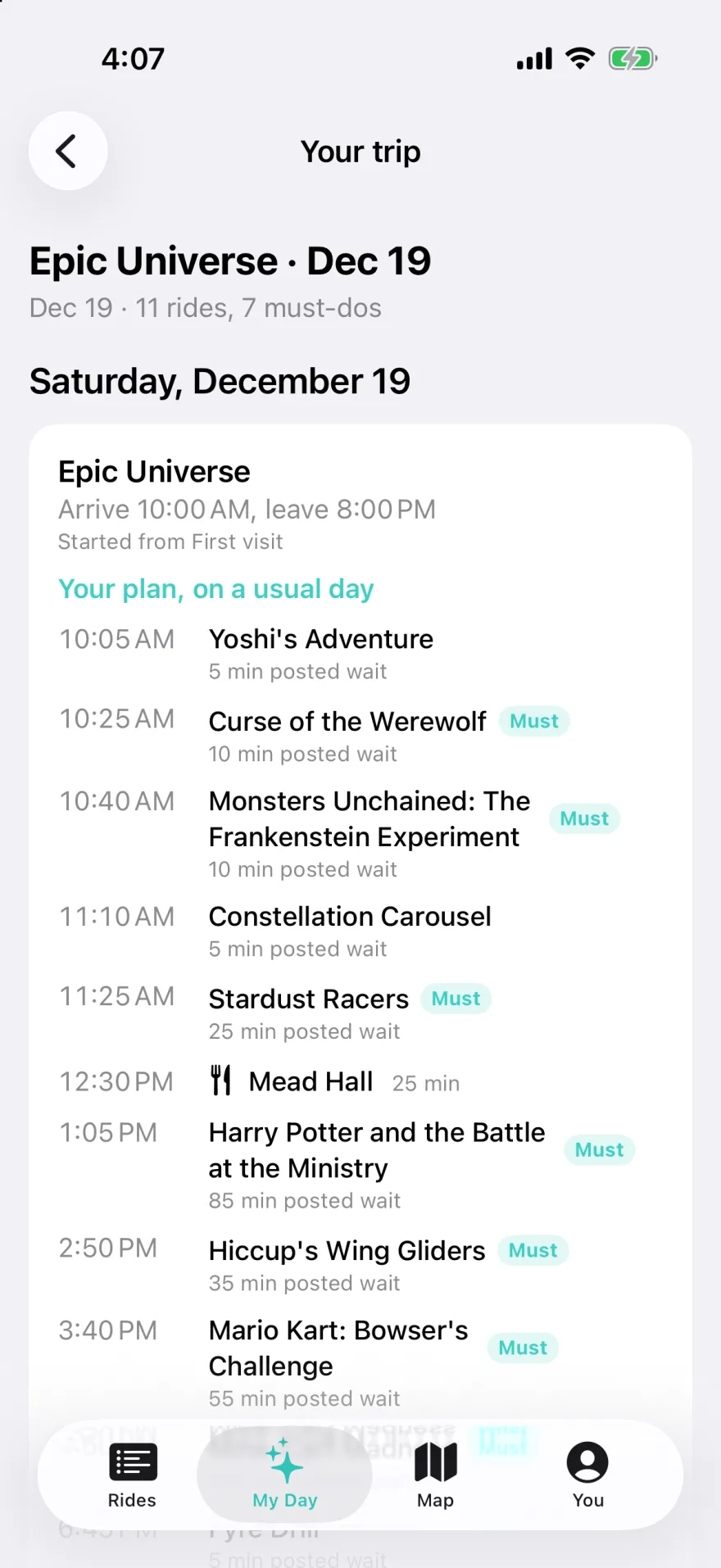
Then take it to the park.
A plan made at home has to move on park day, when the waits do. That's what the app is for.
Open your saved trip in Ride Ready 4.1 or newer on iPhone or Android, with a link or a QR code, signed in with the same account. With Premium, the app reorders your rides as waits change, with your meals and shows kept in place.
Opening your trip in the app is free. Live replanning as waits change is part of Premium.
A few things to know.
Is Day Builder free?
Today, yes for planning: building a day, saving it, sharing it and reopening it. The full 60 day test is free during the beta and will be a Premium feature after it. Live replanning in the app is part of Premium. Day Builder is in beta, so features and what's free may change.
Which parks does it cover?
Seven parks at two resorts: Epic Universe, Islands of Adventure, Universal Studios Florida, Magic Kingdom, EPCOT, Hollywood Studios and Animal Kingdom. Each has ready-made plans and expected ride times. You can also plan a hop day across parks at the same resort, if your ticket allows it.
Do I need an account?
Not to plan. Your trip saves in your browser. A free account, with Apple, Google or email, saves it to any device, tests it on the last 60 days and opens it in the app.
Can I open my plan in the Ride Ready app?
Yes, in Ride Ready 4.1 or newer on iPhone and Android. Sign in with the same account and open your saved trip by link or QR code. Opening it is free. With Premium, the app adjusts the plan as waits change through the day.
How accurate are the ride times?
Each ride's time is when you'd get in line on a usual day, using the last 8 weeks of posted waits. A single day can land an hour either side of that, which is why you can replay your plan on 60 real days. Waits are posted waits, and real waits are often shorter.
Can it book Express, Lightning Lane or dining?
No. Enter only what you've already bought or booked, like a return window or a table-service reservation. Day Builder can't check, buy or book anything.
Planning an Epic Universe day? Read how to plan it step by step.